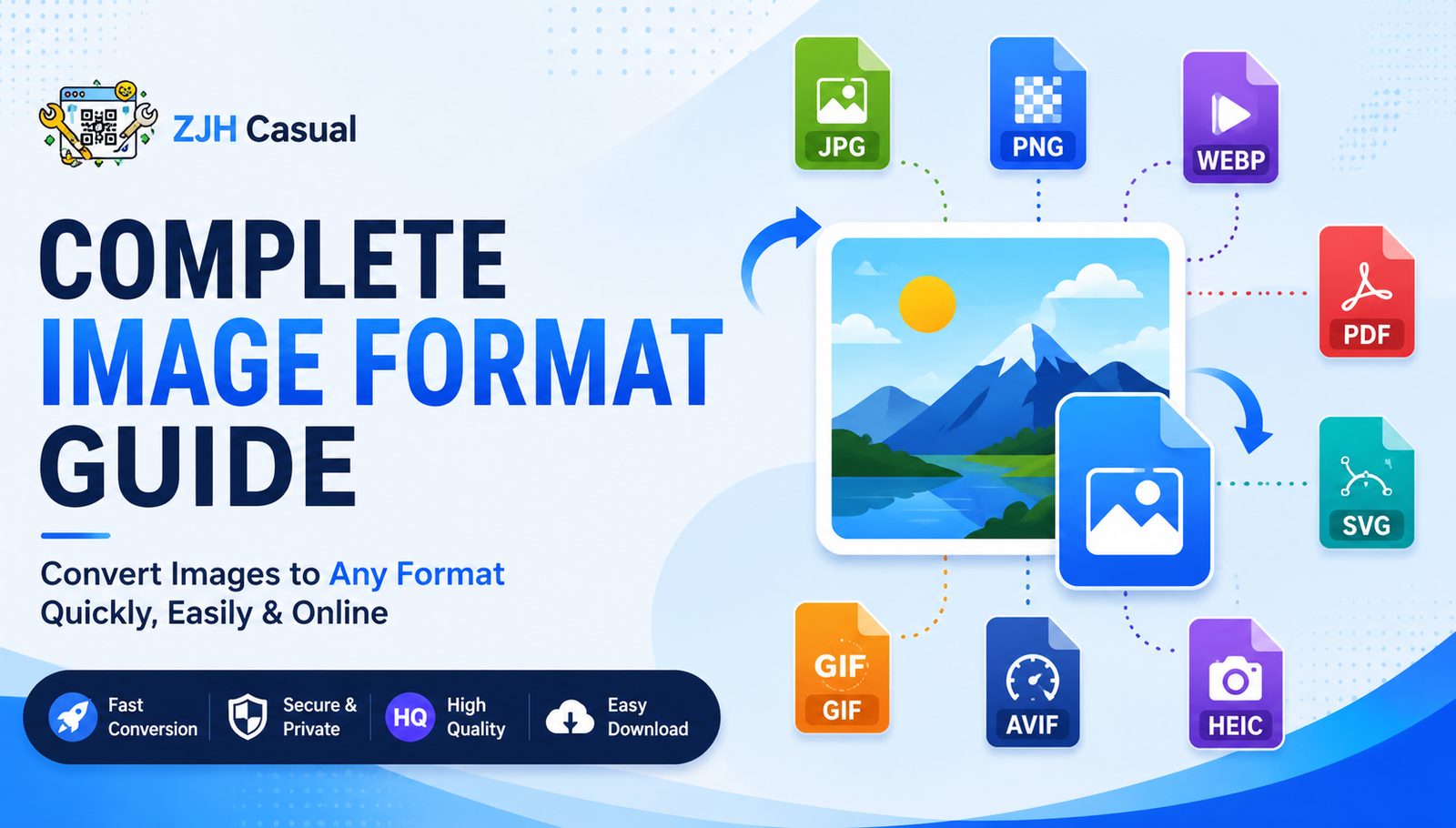
How to Convert Images to Different Formats Online: A Complete Guide
Images are used everywhere today, from websites and social media to documents, presentations, online stores, and mobile applications. However, different platforms and devices often require different image formats. An image that works perfectly in one situation may not be the best choice for another.
For example, JPG is commonly used for photographs, PNG is useful when transparency is required, WEBP can help reduce file size for websites, and SVG is ideal for many logos and vector graphics. Because of this, converting an image from one format to another can be very useful.
In this guide, we will explain the most popular image formats, when to use them, and how you can easily convert images online.
Why Do You Need to Convert an Image?
There are several reasons why someone may need to change an image format. Some websites only accept specific file types, while certain applications may require a particular format.
Image conversion can help you:
- Reduce the file size of an image
- Improve website loading speed
- Make an image compatible with a specific application
- Create images with transparent backgrounds
- Convert images for printing or documents
- Prepare graphics for websites and mobile apps
- Change an image into a format supported by a particular device
Using the right format can make your images easier to use and share.
Popular Image Formats and Their Uses
JPG or JPEG
JPG is one of the most commonly used image formats. It is especially popular for photographs and images with many colours.
Best for:
- Photos
- Social media images
- Website images
- General-purpose image sharing
JPG usually provides a good balance between image quality and file size.
PNG
PNG is a popular format when image quality and transparency are important.
Best for:
- Logos
- Icons
- Screenshots
- Images with transparent backgrounds
PNG files may be larger than JPG files, but they can preserve image quality better in many situations.
WEBP
WEBP is a modern image format designed to provide good quality with a smaller file size.
Best for:
- Websites
- Blogs
- Online stores
- Faster-loading web pages
Many websites use WEBP images to help improve performance.
GIF
GIF is commonly used for simple animations and short looping graphics.
Best for:
- Simple animations
- Short loops
- Animated graphics
GIF images are especially popular for small animated content.
SVG
SVG is a vector image format that can be resized without losing quality.
Best for:
- Logos
- Icons
- Illustrations
- Website graphics
SVG is widely used in web design because vector graphics can remain sharp at different sizes.
How to Convert an Image Online
Converting an image online is usually a simple process.
Step 1: Choose the Required Image Format
First, decide which format you need. For example, you may want to convert an image to JPG, PNG, WEBP, GIF, PDF, SVG, AVIF, HEIC, or another format.
Step 2: Upload Your Image
Select the image you want to convert from your device. Depending on the tool, you may be able to upload common formats such as JPG, PNG, WEBP, GIF, and others.
Step 3: Convert the Image
Start the conversion process. The online converter will process your image and convert it into the selected format.
Step 4: Download the Converted Image
Once the conversion is complete, download the new file and use it wherever you need it.
Which Image Format Should You Choose?
The best format depends on your specific needs.
If you need a format for photographs, JPG is usually a good choice. If you need transparency, PNG may be more suitable. For websites, WEBP and AVIF can be useful because they are designed to provide efficient image compression. If you need a scalable logo or icon, SVG is often a good option.
For documents, converting images to PDF can make them easier to share and print.
Convert Images Easily with ZJH Casual
ZJH Casual provides a collection of useful online image conversion tools designed to make image conversion simple and convenient. You can convert images into various popular formats without needing to install complicated software.
Whether you need to convert an image to JPG, PNG, WEBP, GIF, PDF, SVG, AVIF, HEIC, TIFF, BMP, ICO, or another supported format, choosing the correct image converter can help you prepare your files for different purposes.
Final Thoughts
Image formats are designed for different purposes, and choosing the right one can make a significant difference in image quality, file size, compatibility, and usability. Whether you are working with photographs, logos, website graphics, documents, or animations, converting your image to the right format can make your work easier.
With an online image converter, you can quickly convert your images into the format you need and use them across different platforms and devices.