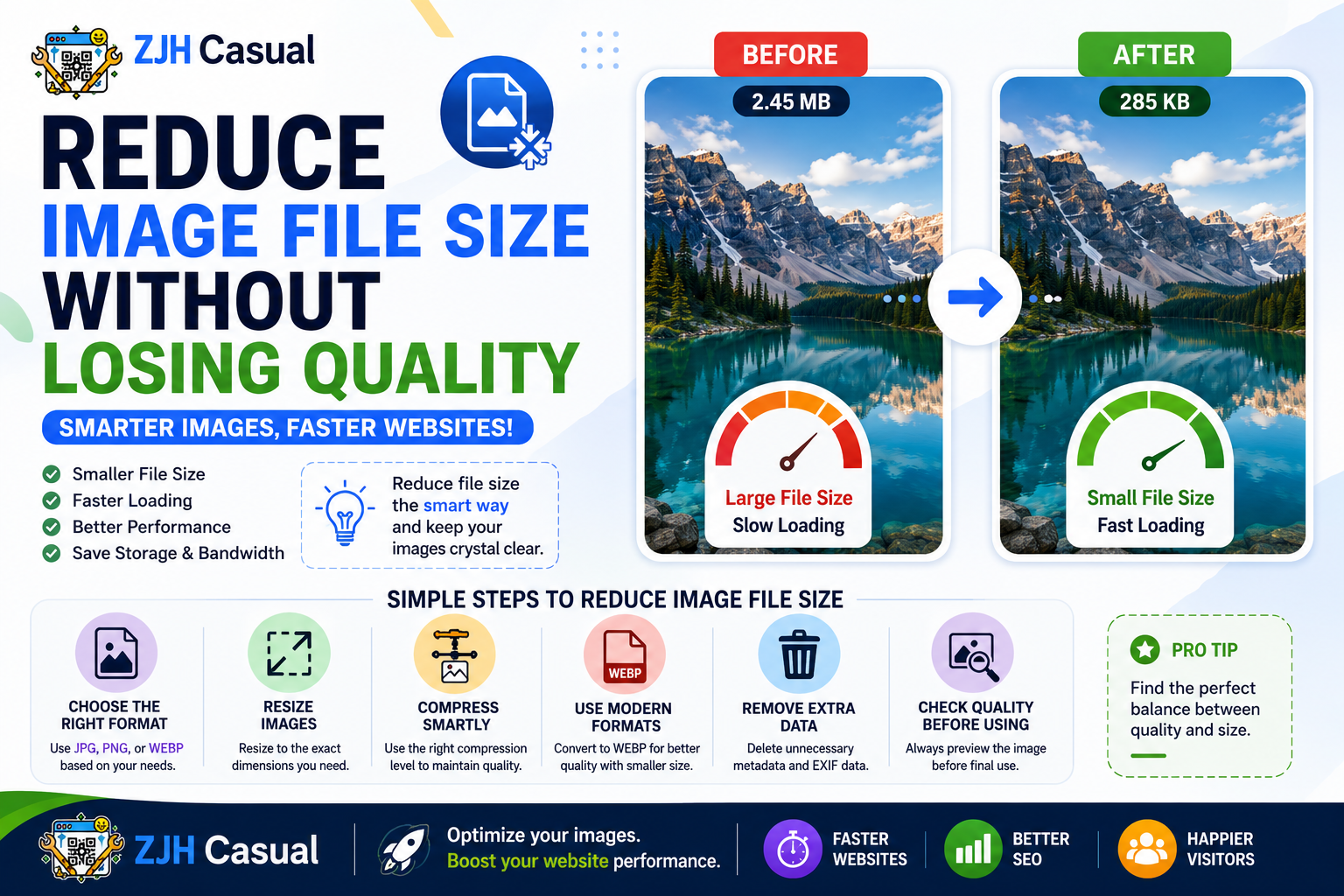
How to Reduce Image File Size Without Losing Quality
Large image files can take up unnecessary storage space and may also make websites slower to load. Whether you are uploading images to a website, sharing them online, or storing them on your device, reducing the file size can make the process faster and more convenient.
The good news is that you do not always need to sacrifice image quality to reduce file size. By choosing the right format, adjusting dimensions, and using proper compression techniques, you can create smaller image files that still look sharp and clear.
Why Is Image File Size Important?
Image file size affects how quickly an image can be uploaded, downloaded, shared, and displayed. Large images can take longer to load, especially for users with slower internet connections.
For websites, optimised images can help improve the overall browsing experience. Smaller files also require less storage space and are easier to send through email or messaging platforms.
1. Choose the Right Image Format
Different image formats are designed for different purposes. Choosing the correct format can significantly reduce the file size.
- JPEG: Great for photographs and colourful images.
- PNG: Useful for transparent images and graphics.
- WEBP: A modern format that can provide excellent quality with smaller file sizes.
- GIF: Suitable for simple animations.
- SVG: Ideal for logos, icons, and scalable graphics.
Using the right format for your image is one of the easiest ways to achieve a smaller file size without noticeably affecting quality.
2. Resize Images When Necessary
Many images are much larger than they need to be. For example, an image captured by a modern smartphone may have extremely large dimensions, even when it is only being used on a website.
If an image is displayed at a smaller size, reducing its dimensions can significantly decrease the file size. Always consider where the image will be used before choosing its resolution.
3. Compress Images Carefully
Image compression removes unnecessary data from an image to reduce its file size. However, excessive compression can make images look blurry or pixelated.
For the best results, use moderate compression and compare the image before and after compression. The goal is to find a balance between file size and visual quality.
4. Convert Images to a More Efficient Format
Sometimes, simply converting an image to another format can reduce its file size. For example, converting a large image into a modern format such as WEBP may produce a smaller file while maintaining good quality.
An online image converter can make this process simple. You can upload an image, select the required output format, and download the converted file.
5. Remove Unnecessary Image Data
Some image files contain extra information such as camera details, location information, editing history, or other metadata. This information is not always needed and may increase the file size.
Removing unnecessary metadata can help reduce the file size while keeping the actual image appearance unchanged.
Best Tips for Keeping Images Small and Clear
For better results, keep these tips in mind:
- Choose the correct image format for your purpose.
- Avoid using extremely large dimensions when they are not necessary.
- Compress images carefully instead of using maximum compression.
- Use modern formats when they are supported by your intended platform.
- Always check the final image quality before using the compressed file.
- Keep an original copy of important images before making changes.
Final Thoughts
Reducing image file size does not necessarily mean losing image quality. With the right format, dimensions, and compression settings, you can create smaller images that remain sharp and useful.
Whether you are preparing images for a website, social media, email, or personal storage, optimising your images can make them easier to manage and share. Using a reliable online image converter can also help you quickly convert images between different formats whenever needed.