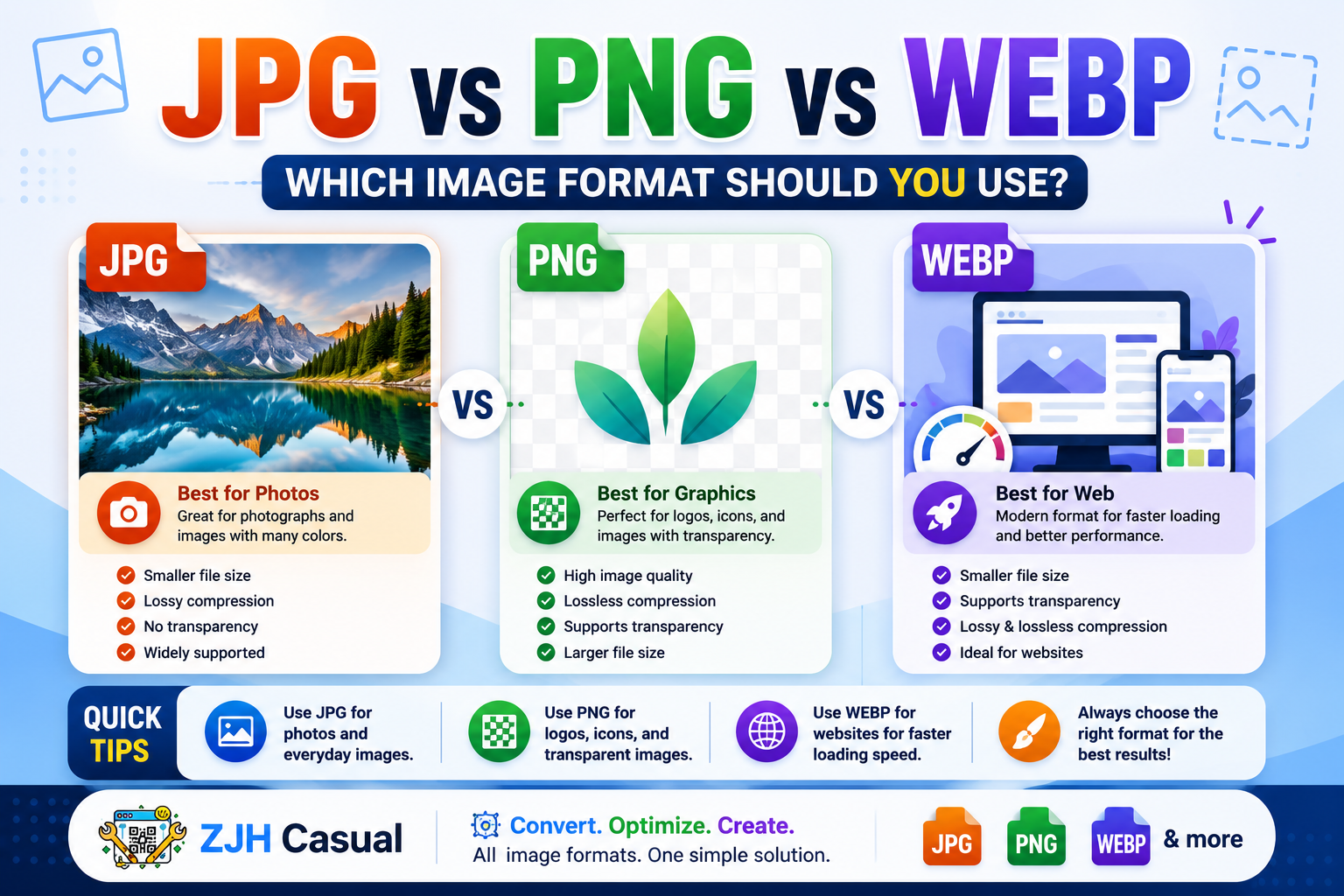
JPG vs PNG vs WebP: Which Image Format Should You Use?
Choosing the right image format can make a big difference in image quality, file size, and website loading speed. JPG, PNG, and WebP are three of the most popular formats used today, but each one is designed for different purposes.
Whether you are uploading photos, creating website graphics, saving transparent images, or optimizing your website for faster loading, understanding the differences between these formats can help you make a better choice.
In this guide, we will explain the main differences between JPG, PNG, and WebP in simple terms.
What Is JPG?
JPG, also known as JPEG, is one of the most widely used image formats. It is especially popular for photographs and images with many colours.
JPG uses lossy compression, which means that the file size is reduced by removing some image data. In most cases, the quality remains good enough for regular use.
JPG is best for:
- Photographs
- Travel images
- Product photos
- Social media images
- Website images where small file size is important
The biggest advantage of JPG is its relatively small file size. However, JPG does not support transparent backgrounds.
What Is PNG?
PNG is a popular image format known for its high quality and transparency support. Unlike JPG, PNG uses lossless compression, which means the image retains more of its original quality.
PNG files are often larger than JPG files, but they are ideal when image quality and transparency are important.
PNG is best for:
- Logos
- Icons
- Screenshots
- Graphics
- Images with transparent backgrounds
- Text-based images
If you need a transparent background, PNG is usually a better choice than JPG.
What Is WebP?
WebP is a modern image format developed to provide high-quality images with smaller file sizes. It can support both lossy and lossless compression.
WebP is becoming increasingly popular for websites because smaller image files can help pages load faster.
WebP is best for:
- Website images
- Blog images
- Online stores
- Modern web applications
- Faster page loading
WebP can also support transparency and animation, making it a flexible format for modern websites.
JPG vs PNG vs WebP: Main Differences
The main difference between these formats is how they handle image quality, file size, and transparency.
JPG is usually a great choice for photographs and everyday images.
PNG is better when you need high-quality graphics or a transparent background.
WebP is an excellent option for websites because it can provide good image quality with a smaller file size.
Which Image Format Is Best for Websites?
For most modern websites, WebP is often a strong choice because it can reduce image file sizes while maintaining good visual quality. Smaller images can help improve page loading speed and provide a better experience for visitors.
However, JPG and PNG still have important uses. For example, JPG may be ideal for large photographs, while PNG may be the right choice for logos and transparent graphics.
The best format depends on the type of image you are using.
Quick Comparison
| Format | Best For | Transparency | File Size |
|---|---|---|---|
| JPG | Photos | No | Small |
| PNG | Graphics and logos | Yes | Larger |
| WebP | Websites and modern images | Yes | Often smaller |
How to Choose the Right Image Format
Before choosing a format, think about how you plan to use the image.
If you are working with a photograph, JPG can provide a good balance between quality and file size.
If your image contains a transparent background, PNG may be the better choice.
If you are optimizing images for a website and want smaller file sizes, WebP is worth considering.
Choosing the correct format can help you maintain image quality while reducing unnecessary file size.
Final Thoughts
JPG, PNG, and WebP each have their own advantages. JPG is excellent for photographs, PNG is useful for high-quality graphics and transparency, and WebP is a modern option that can help reduce image file sizes for websites.
There is no single image format that is perfect for every situation. The best choice depends on the image type, quality requirements, transparency needs, and where you plan to use the image.
With the right image format, you can maintain good visual quality while making your images more efficient and easier to use online.